Tattoo Font Generator
Type a name, date or quote. Compare 38 tattoo lettering styles and see it on skin. Free PNG download, no sign-up.
Type a name, date or quote. Compare 38 tattoo lettering styles and see it on skin. Free PNG download, no sign-up.
 Example photoExample result
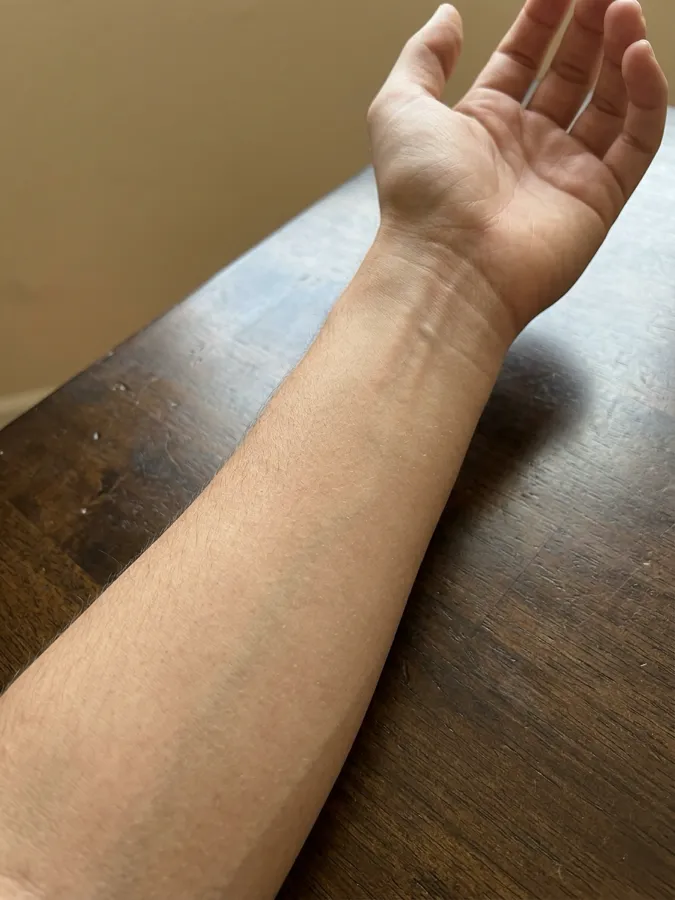
See it on your skin before the needle
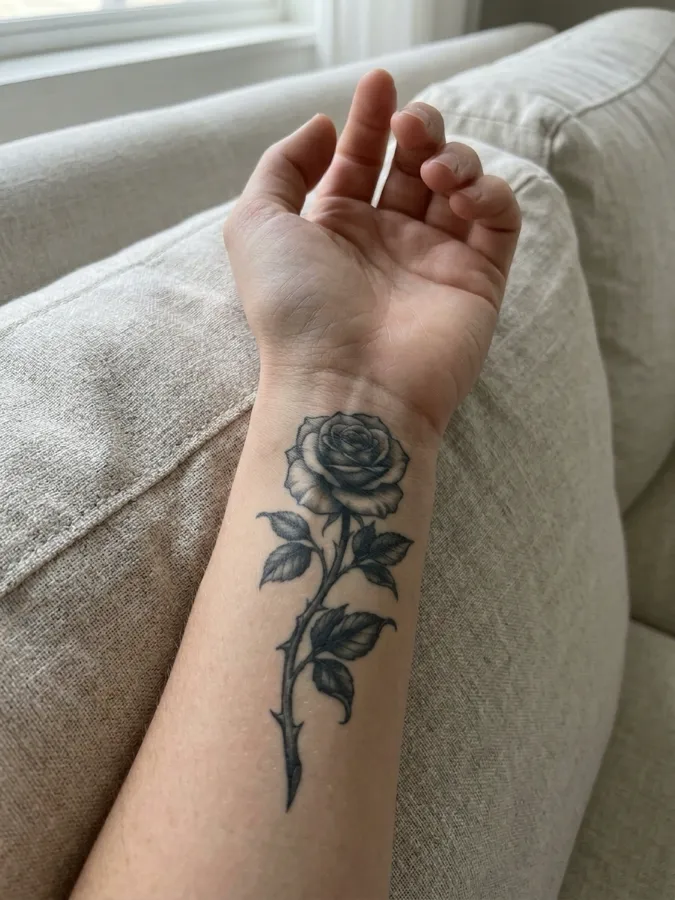
Upload a photo of your forearm, wrist, collarbone or ribs. The AI places your lettering on the curve of your body with real skin texture and light, so you can judge size and placement before you book.
- Your text and font carry over from the generator
- Healed-ink look, not a sticker on top
- Download the preview to share with your tattoo artist
From lettering to a stencil your artist can use
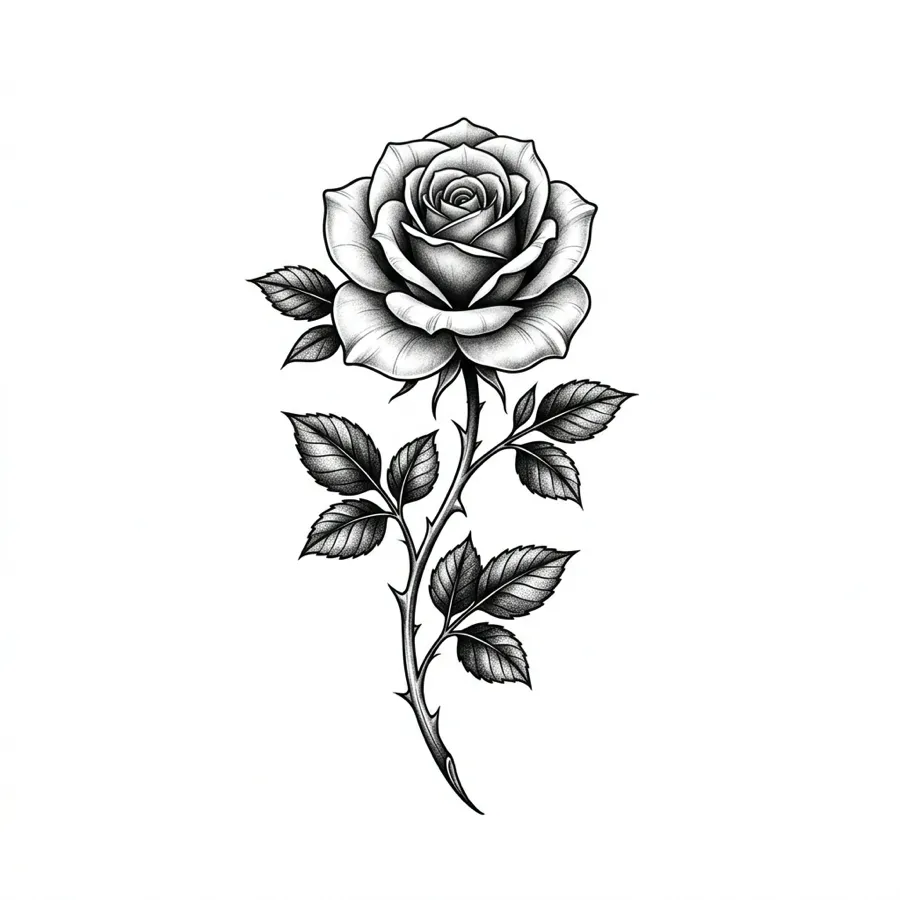
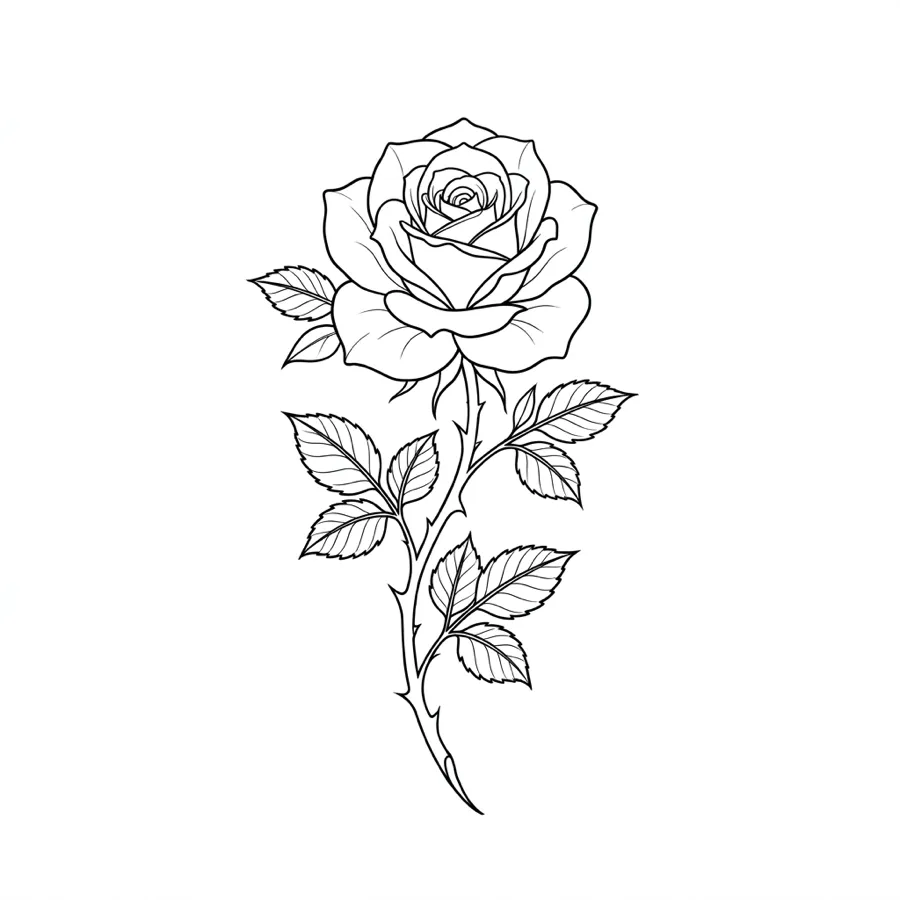
TattooFontAI includes AI tools to draw custom flash from text, convert artwork into black-and-white stencils, and plan cover-ups over existing ink.
Tattoo font styles and what they suit
Old English and script are the lettering styles people ask for most for names and quotes; fine line suits small placements like the wrist and collarbone.
Old English
Heavy blackletter for surnames, chest pieces and across the stomach. It needs width to stay readable.
Script
Flowing joined letters for names, quotes and dates on the forearm or ribs.
Fine Line
A single-needle look for small words on the wrist, finger or collarbone.
Chicano
Bold brush script with sharp ends, often paired with roses and banners.
How to use the tattoo font generator
The Tattoo Font Generator works in four steps in your browser with no account required, and exports transparent PNG or vector SVG files for your tattoo artist.
- 01Type your textA name, date, Roman numerals or a short quote.
- 02Pick a styleEvery font shows your own words. Tap one to preview it on skin.
- 03Adjust and saveChange size, spacing and curve, then download the PNG for free.
- 04Try it onSend it to a photo of your body or to a stencil in one tap.
Fonts are free. Pay only for AI.
Every font, the skin preview and the PNG are free. Credits pay for AI tattoo designs, try-ons on your photo and stencils.
See credit pricesTattoo font questions
- Is the tattoo font generator free?
- Yes. Every font, the skin preview and the PNG download are free with no account. Only the AI try-on, AI tattoo designs and stencils use credits.
- Can I use these fonts for my tattoo?
- Yes. All 38 fonts are published under the SIL Open Font License or the Apache License, which allow use in images, including a tattoo design.
- Can my tattoo artist use the PNG?
- Yes. The PNG is black lettering on a transparent background at 1600 pixels wide, large enough to print as a reference. Most artists redraw lettering by hand to fit your body.
- How can I create a tattoo font?
- Type your text in the box above, pick one of the 38 fonts and adjust size, spacing and curve. The preview shows your own words on a skin tone, and Download PNG saves the result. Nothing to install and no account needed.
- How do I find a tattoo font?
- Filter the list by style (Old English, Chicano, Script, Fine Line and more), then look at each card, which shows your own words in that font. Pick the one that stays readable at the size you plan to get tattooed, and compare two or three on a skin tone before you decide.
- Why use a tattoo font generator instead of an AI image generator for lettering?
- AI image generators draw pictures pixel by pixel and can occasionally misspell or merge letters in names and quotes. This tattoo font generator sets your exact text in real licensed fonts, so every letter matches what you typed. When you want custom illustrated flash around your words, use the AI Tattoo Generator.
- What is the difference between the PNG and the SVG?
- The PNG is a pixel image, 1600 pixels wide, that you can print or send. The SVG is a vector file: the letters are outlines that stay sharp at any size and open in Illustrator or Inkscape. A mirrored PNG is also available for transfer paper, and the SVG is the one to pick if your artist wants to resize the lettering.
- Can I use non-English text, accents or symbols?
- Yes. Letters with accents used in French, Spanish, German and other Western European languages work in all 38 fonts, and so do Roman numerals. Type Chinese, Japanese, Korean, Arabic or Hebrew and the font list switches to fonts made for that script: 3 Chinese, 2 Japanese, 2 Korean, 3 Arabic and 2 Hebrew. Arabic and Hebrew run right to left and Arabic letters join, in the preview and in all three downloads.
- Which font is best for a name tattoo?
- Script and fine-line cursive are the usual choices for names because the letters flow and stay readable small. Old English suits a surname or a larger piece where each letter has room.
- How do I see the tattoo on my own body?
- Press See it on my skin. Your lettering moves to the try-on page; add a photo of the body part and the AI places the ink on it.